Give up scheduling privilege
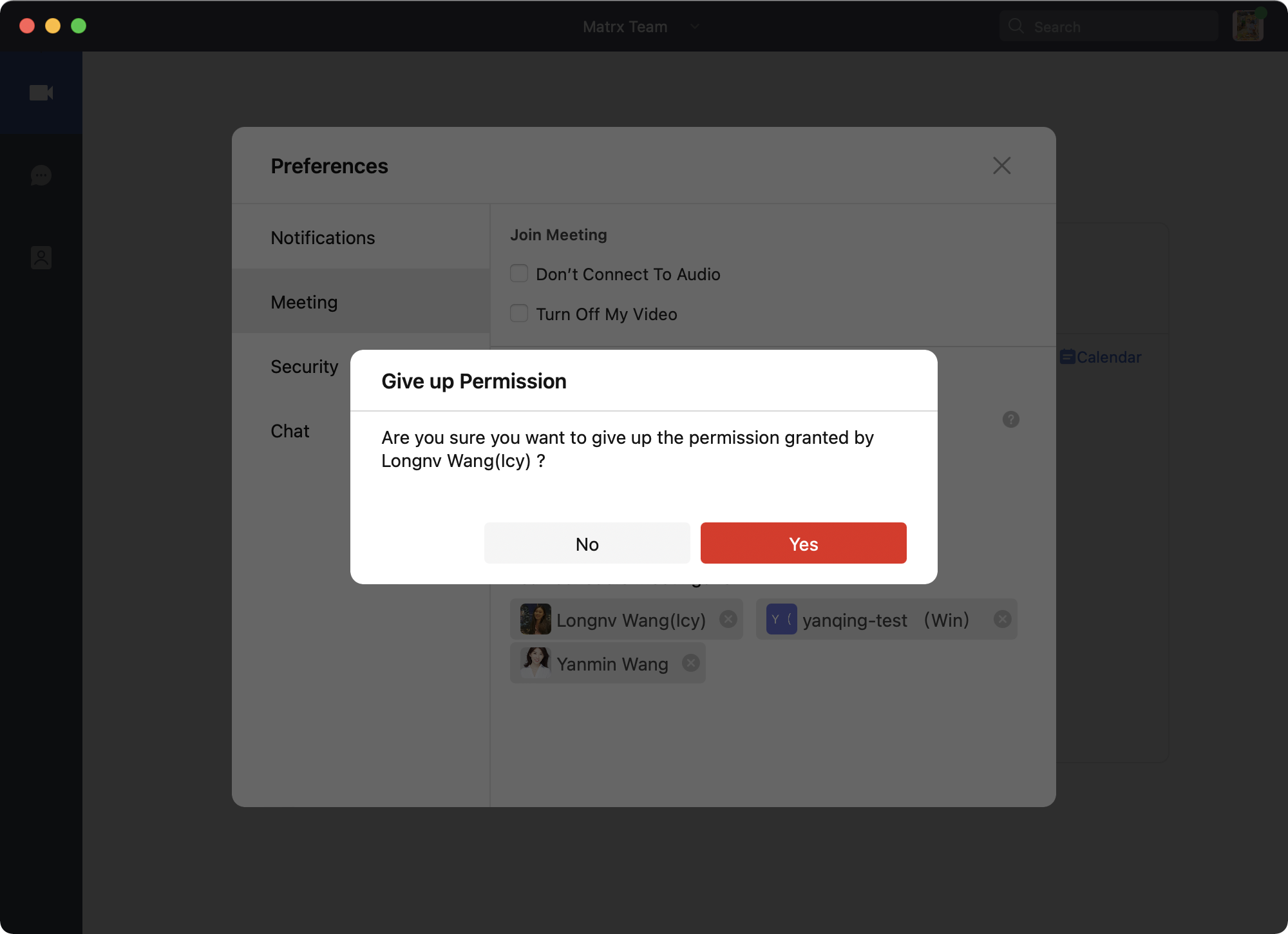
If you're granted scheduling privilege, you can also give up the privilege so that you cannot schedule meetings for that person anymore.
Prerequisites
- Available for Pro, Business, and Enterprise plan accounts
- Available on Windows and macOS clients only
- Scheduling privilege is granted
Windows and macOS
1. Click on your profile photo at the upper right corner and go to Preferences > Meeting.
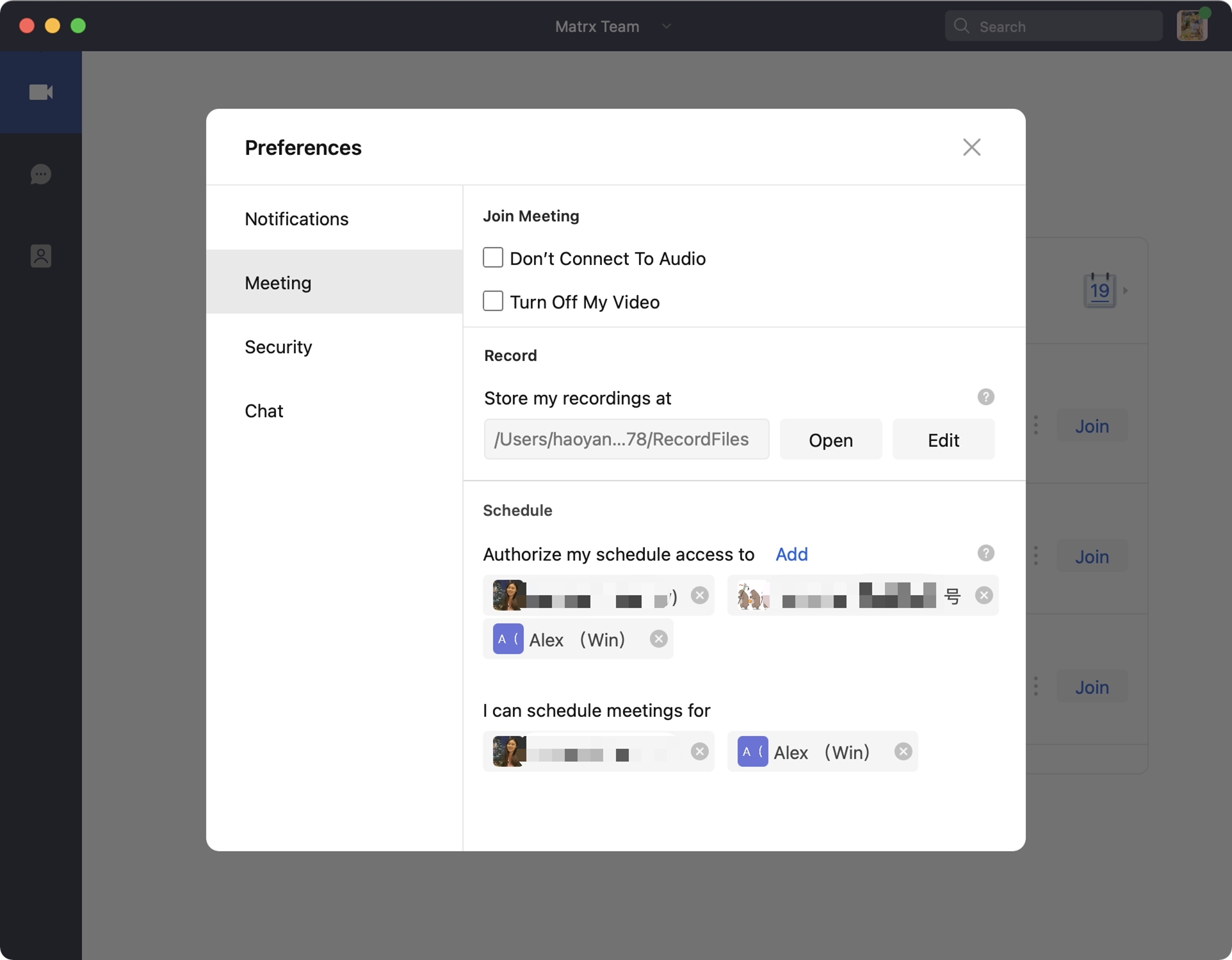
- Under "I can schedule meetings for", you can find the contacts who have granted scheduling privilege to you. Click the cancel button beside the contact's name and confirm that you want to give up the privilege.